








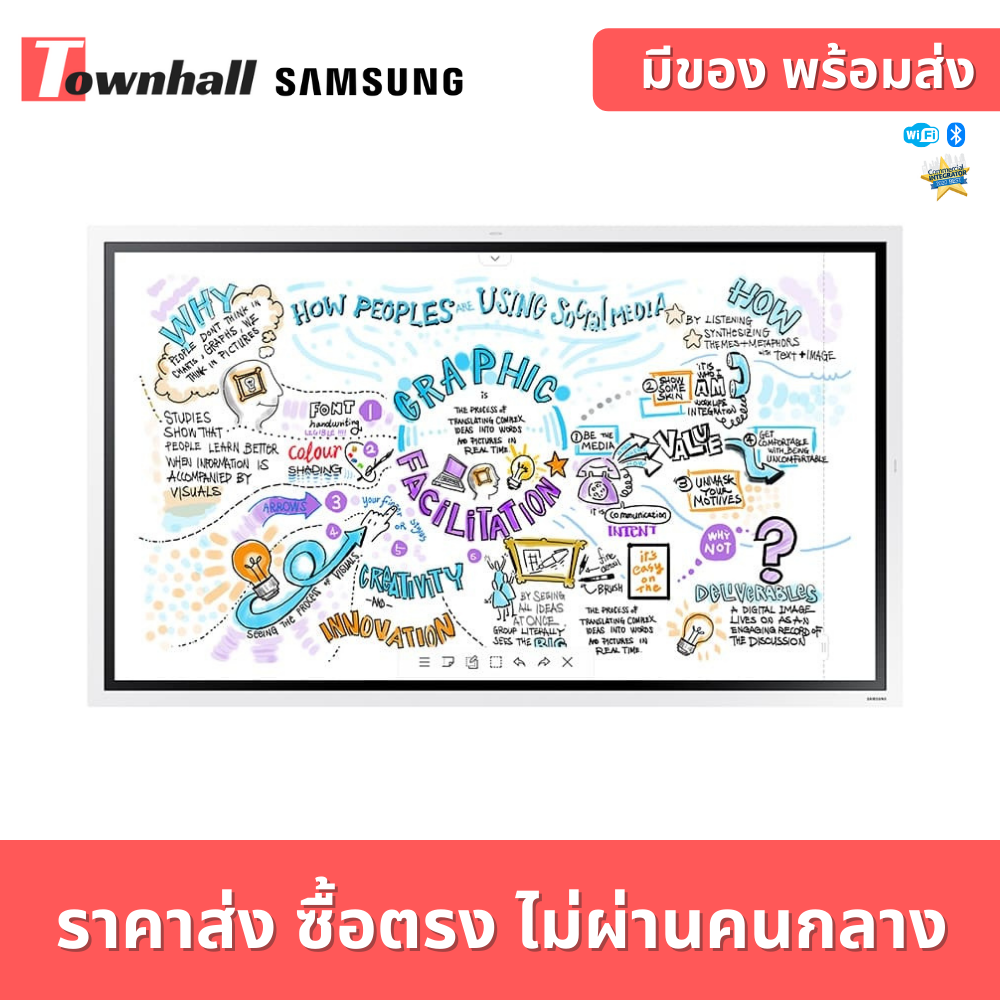
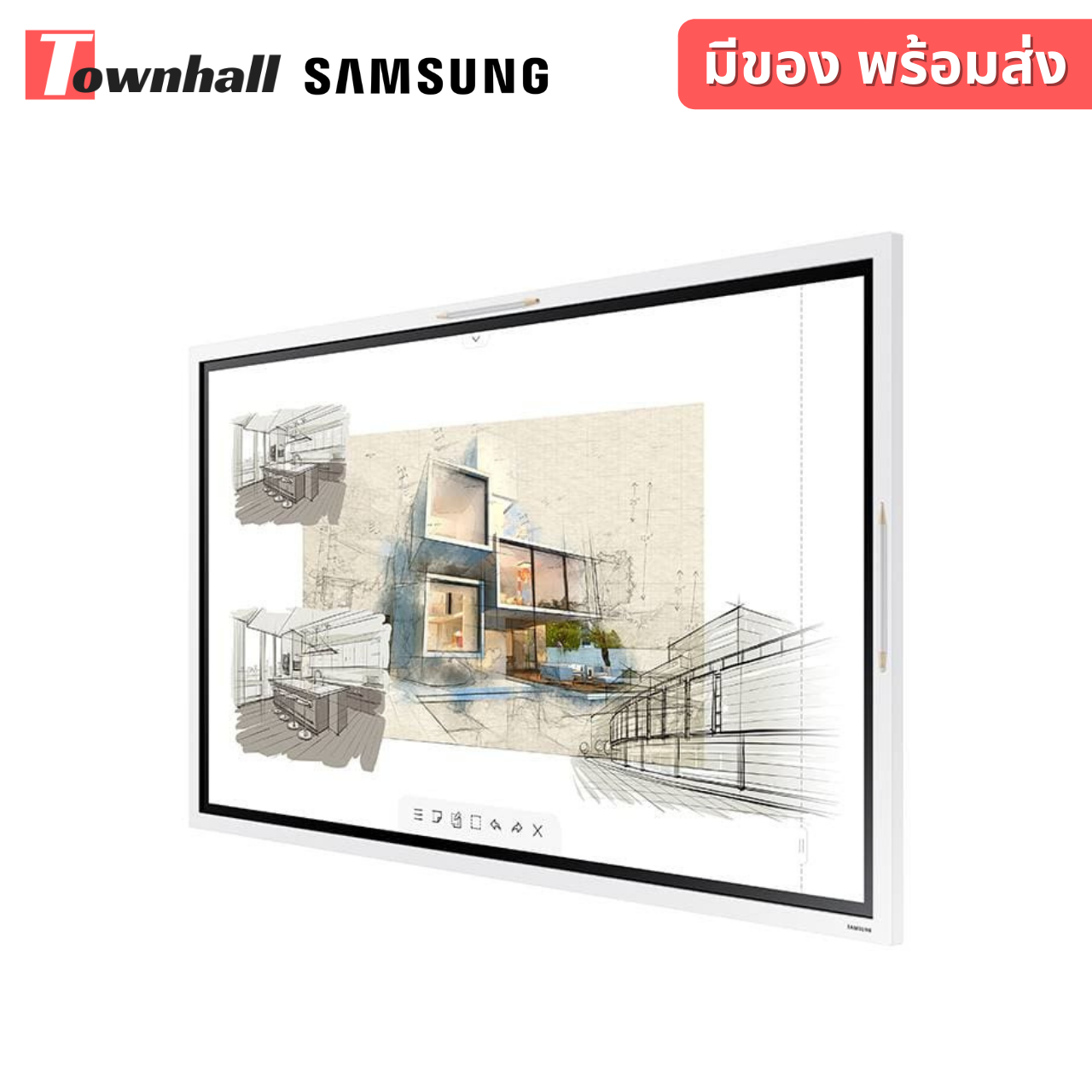
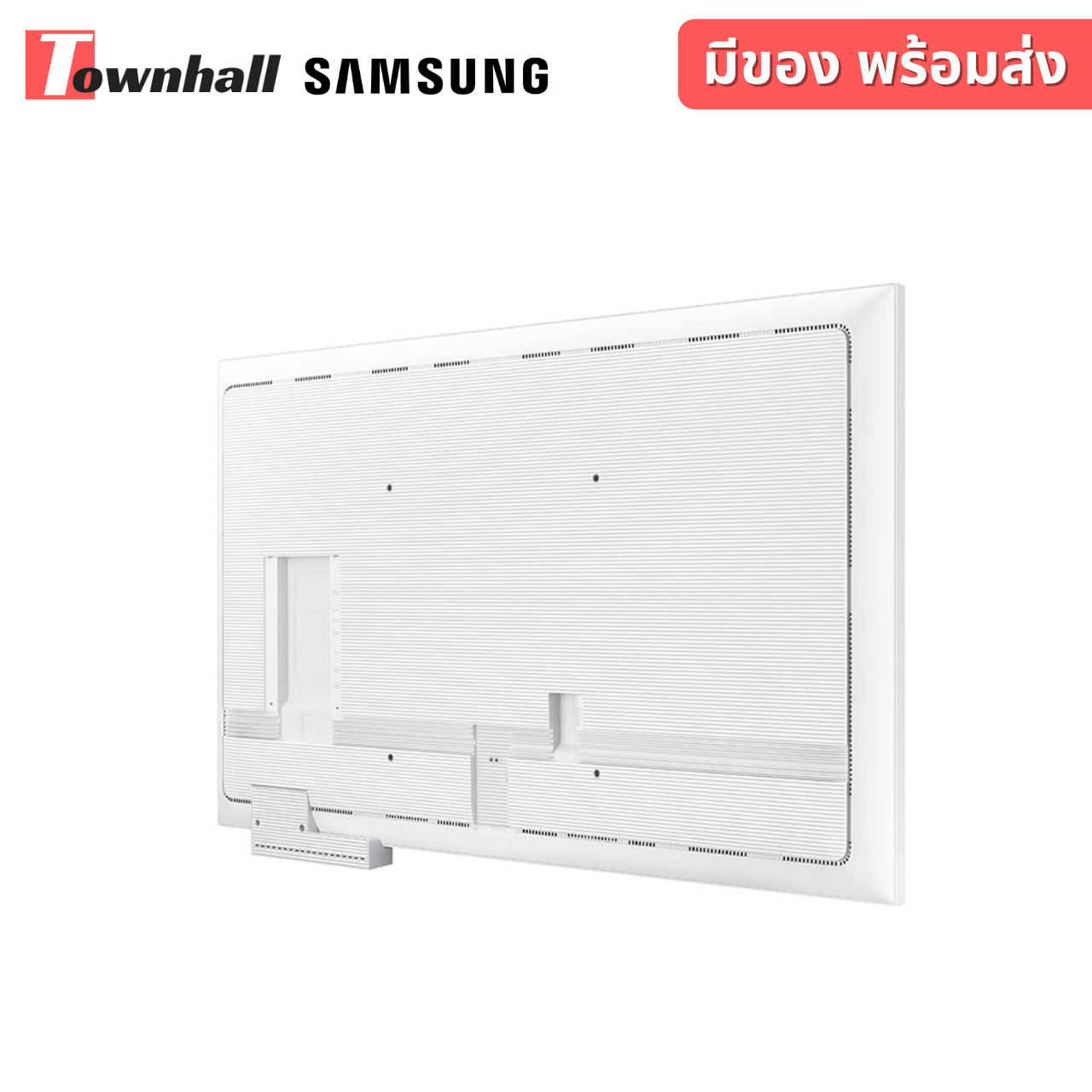
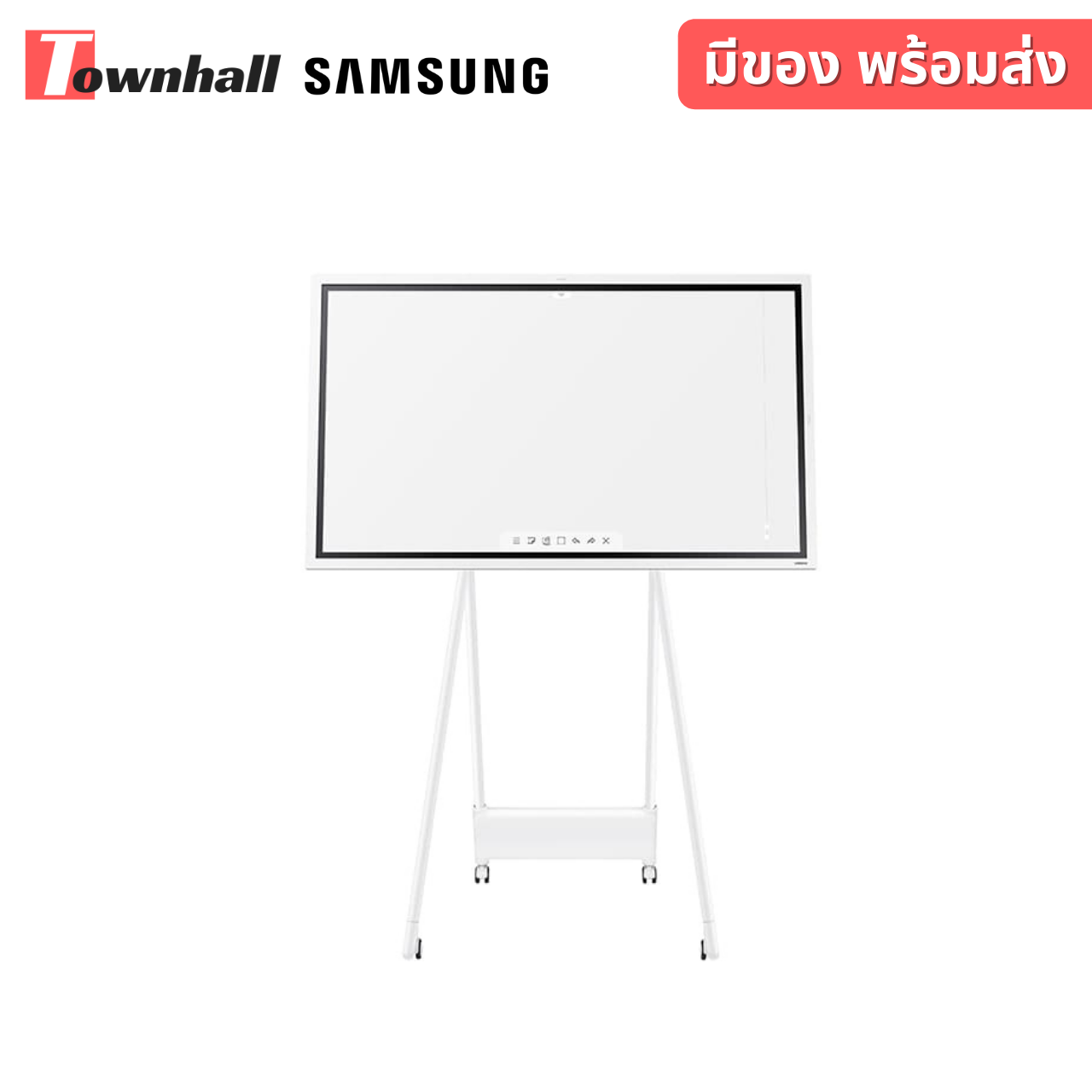
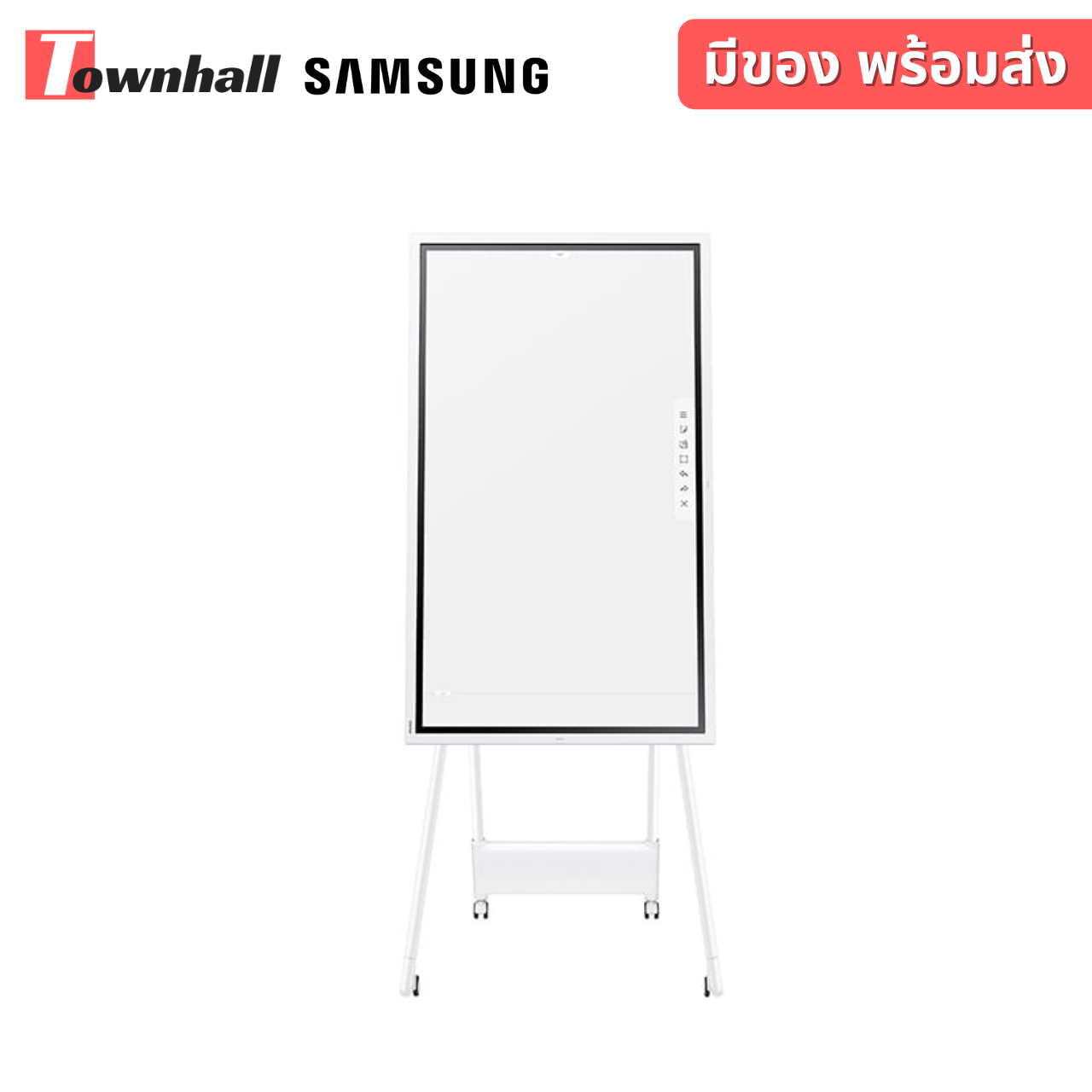


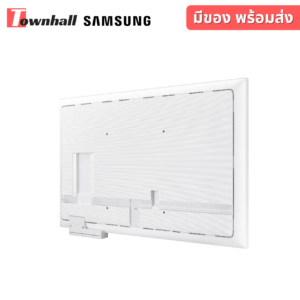
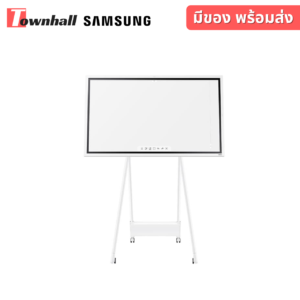
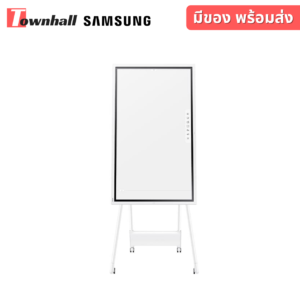
SAMSUNG FLIP2 WM55R จออัจฉริยะเพิ่มความสร้างสรรค์ในการเรียนรู้
98,000 บาท (รวม Vat 7% แล้ว)
รายละเอียดเพิ่มเติม
SAMSUNG FLIP2 WM55R จออัจฉริยะเพิ่มความสร้างสรรค์ในการเรียนรู้
Revitalize Productive Collaboration through Refined Interactive E-board Technology.
– Draw, write & inspire new ideas with a smooth and familiar passive pen
– Create a masterpiece on brush mode
– Write on any background on any background source
– Flexible image editing with selection tool and merge to roll
Draw, write & inspire new ideas
Pen mode notation
Samsung Flip provides users with a smooth and familiar pen to paper writing experience in a variety of available colors, styles and widths. Up to 4 people can write simultaneously, using any object as a writing tool. In addition, users can quickly erase the drawings with finger or palm swipe.
Write on any background
Annotation on
Samsung Flip allows users to write on any background source. By simply clicking the note layer button, users can enjoy smooth writing anytime, anywhere on any content displayed, without affecting any work behind the original layer.
Flexible image editing
Selection tool & Merge to roll
Bringing versatility to the board. With Samsung Flip, users can quickly and easily select, move, crop, capture, and edit any images. Each Image can also be merged to the roll with just one click of a button, allowing it to be edited or erased.
Synchronized screen viewing
Touch out
The touch out functionality allows users to sync their personal devices with the Samsung Flip, allowing real-time content sharing and control. Any changes made on the Flip display will be mirrored on the connected device, and vice versa, for efficient collaboration.
Large audience sharing
Screen share
Users can project content on Samsung Flip to another large digital display in real time, using Wi-Fi network or HDMI out connection. Even connected to a personal device, the Flip display can be shared. This feature is ideal for large meeting environments, delivering information to bigger audiences.
Effortless meeting recap distribution
Easy sharing
Following any meeting, users can distribute recaps to all attendees and colleagues, removing the frustration traditionally associated with handwritten meeting notes. Important conversations and content are stored within the Flip in real-time, easily shareable across mobile and digital channels.
รายละเอียดสินค้า
– ความสว่างของจอภาพ (Brightness) ไม่น้อยกว่า 300 nit หรือดีกว่า
– เป็นจอภาพแสดงผลขนาดของจอภาพไม่น้อยกว่า 54.5 นิ้ว วัดตามแนวเส้นทแยงมุม
– ความละเอียดของการแสดงผล (Resolution) 3,840 x 2,160 pixel (Landscape) Contrast Ratio 4000:1 (Static) หรือดีกว่า
– ความเร็วในการตอบสนองภาพ (Response Time) 8ms (G to G) หรือน้อยกว่า
– ความกว้างมุมมองภาพ (View Angle) : 178º/178º หรือดีกว่า
– ช่องต่อสัญญาณเข้า HDMI IN x 1 port หรือมากว่า
– ช่องต่อสัญญาณออก HDMI Out x 1 port
– สามารถรองรับระบบ WiFi หรือ NFC หรือ Acceleration sensor
– มีช่องต่อสัญญาณ LAN
– จอภาพมีหน่วยประมวลผลในตัวและมีโปรแกรมสำหรับขีดเขียนโดยไม่ต้องเชื่อมต่อกับอุปกรณ์ภายนอก
– รองรับการขีดเขียนบนจอด้วยขนาดของวัตถุ (2mm, 4mm, 8mm, 50mm)
– จอภาพรองรับการเขียนได้พร้อมกัน อย่างน้อย 4 drawing
– รองรับการเขียนได้อย่างน้อย 20 หน้าในหนึ่งไฟล์และสามารถใส่รหัสเพื่อ lock ไฟล์ได้
– มีปากกาหรือ stylus สำหรับเขียนหน้าจอมาให้จาก brand ผู้ผลิต
– สามารถลบข้อความที่เขียนได้ด้วยมือเปล่าและเขียนข้อความทับลงบนไฟล์ที่ถูกจับภาพบนหน้าจอได้ (Capture) รวมถึงการแชร์ข้อมูลไปยัง Email, Print, Network Storage ได้
– รองรับการเชื่อมต่อ คอมพิวเตอร์ Windows OS 8 ขึ้นไปเป็นอย่างน้อย และสามารถควบคุมคอมพิวเตอร์ผ่านจอภาพได้โดยการใช้งานแบบ touchscreen
– มี Template สำหรับใช้งานเช่น ตารางนัดหมาย หรือ สิ่งที่ต้องทำ เป็นต้น
– ลำโพง Built in แบบ สเตอริโอ มีกำลังขับไม่น้อยกว่า 10W x 2
– มีหนังสือรับรองศูนย์บริการดูแลระบบบริหารงานโดยเจ้าของผลิตภัณฑ์ เปิดบริการครอบคลุมประเทศไทยไม่น้อยกว่า 30 ศูนย์ โดยมีที่อยู่ระบุชัดเจน
– มีเบอร์โทรศัพท์ตรงให้บริการรับแจ้งซ่อมเฉพาะสินค้างานโครงการโดยตรงไม่รวมกับลูกค้าทั่วไป (Service Call Center)
– มีหนังสือแต่งตั้งรับรองจากเจ้าของผลิตภัณฑ์เพื่อเข้างานโดยมีระบุชื่องานโครงการ และชื่อรุ่นสินค้าชัดเจน
– สามารถใช้งานได้กับระบบไฟฟ้ากระแสสลับ 100 – 240V, 50/60Hz
บทวิจารณ์ (0)
มาเป็นคนแรกที่วิจารณ์ “SAMSUNG FLIP2 WM55R จออัจฉริยะเพิ่มความสร้างสรรค์ในการเรียนรู้”
สินค้าที่เกี่ยวข้อง


89,000 บาท (รวม Vat 7% แล้ว)

39,833 บาท (รวม Vat 7% แล้ว)


21,790 บาท (รวม Vat 7% แล้ว)

46,733 บาท (รวม Vat 7% แล้ว)


รีวิว
ยังไม่มีบทวิจารณ์