








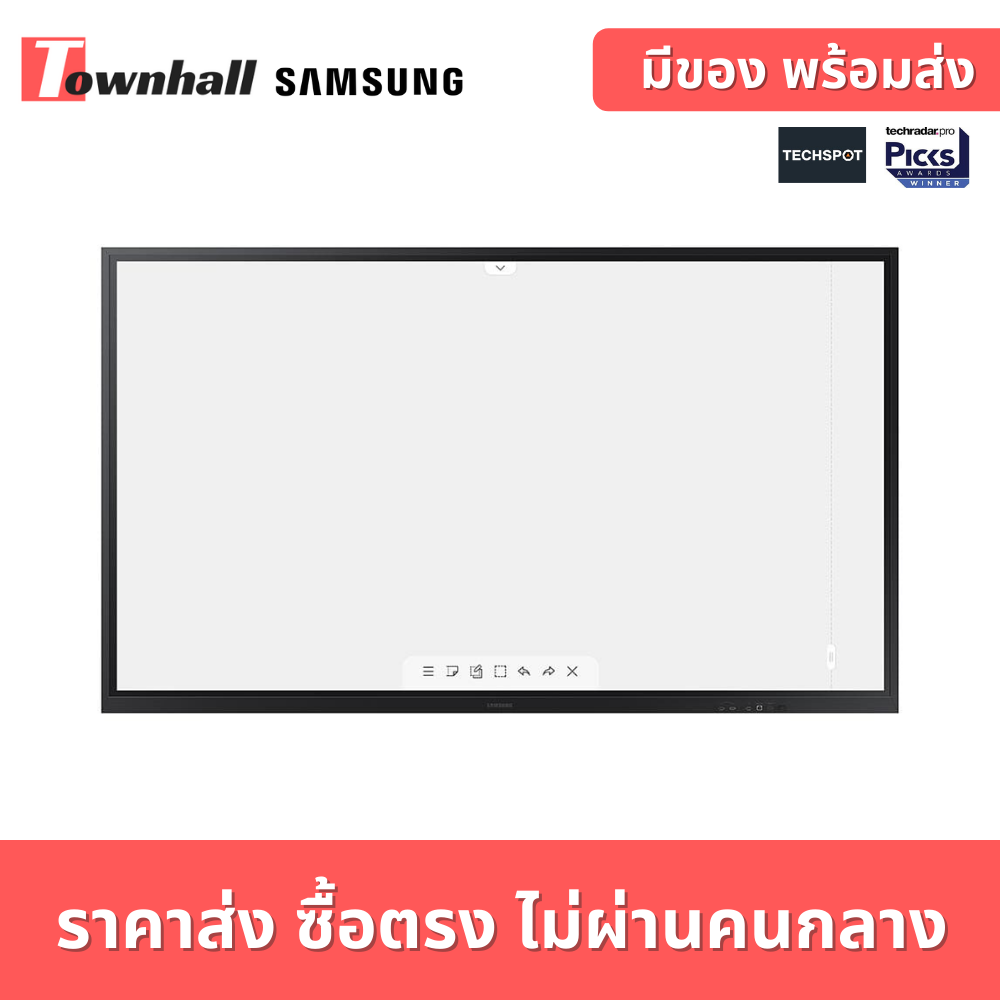
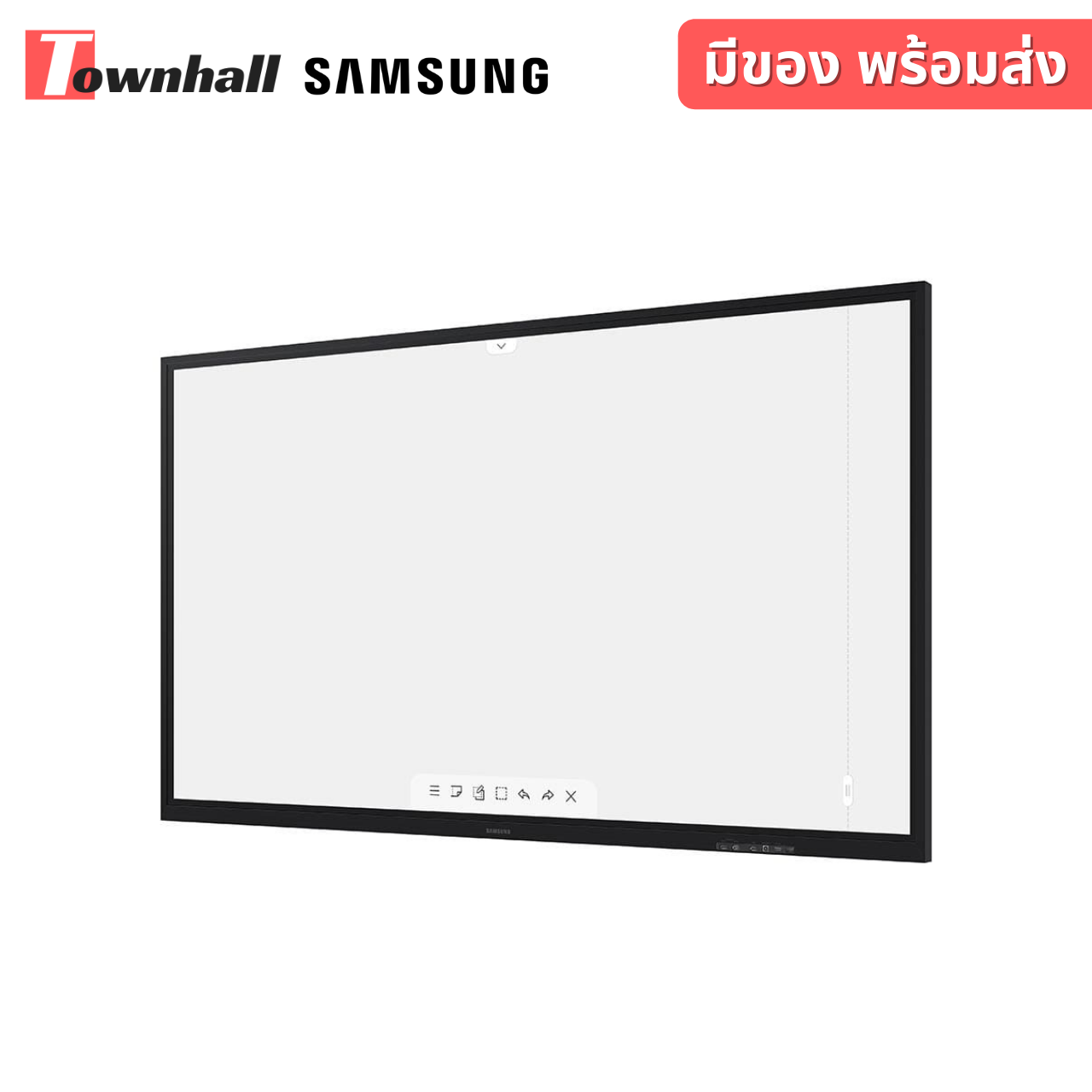

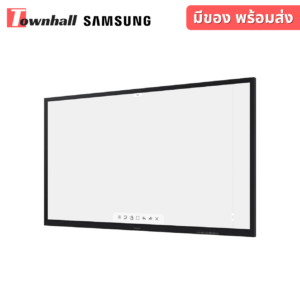
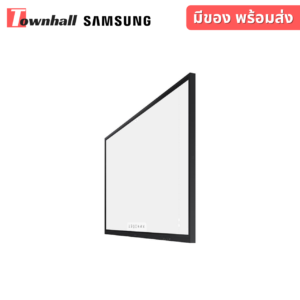
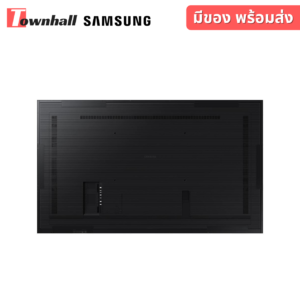
SAMSUNG FLIP2 WM85R จออัจฉริยะเพิ่มความสร้างสรรค์ในการเรียนรู้
299,900 บาท (รวม Vat 7% แล้ว)
รายละเอียดเพิ่มเติม
SAMSUNG FLIP2 WM85R Create the next generation of learning
Samsung’s Flip WM85R is an optimized solution to meet the digital demands of modern education. Flip is an easy to use digital board, providing smooth pen and brush mode, enhanced connectivity options and a variety of convenient features on a larger 85-inch, UHD display.
– Multi writing up to 20 on any background for optimized classroom engagement
– Versatile connectivity options and easy sharing for seamless education experience
– Powerful touch out function on larger 85-inch UHD display for impactful learning
Multi writing for up to 20 on larger sized display
Flip provides an intuitive tool for up to 20 people to write and draw simultaneously on the large, 85-inch clear UHD display. These intuitive features ensure that all participants can actively and directly take part to increase class efficiency and engagement.
Creating a masterpiece
In brush mode, the Flip recognizes a wide range of thicknesses, ensuring teachers and students can create art at the stroke of a brush. Water and oil painting modes allow different styles and textures, while a full, vibrant color palette allows flexible color mixing to truly embrace art.
Draw, write and inspire new ideas
Samsung Flip provides a wide color palette and range of thicknesses for a differentiated writing experience. Users can freely write and draw any text or shapes with the Flip’s passive pen. Any drawing can then easily be erased with a finger or a palm swipe when required.
Simple web surfing while annotating
Samsung Flip now supports web browsing and allows users to access the internet directly through the display, with no additional device needed. Once the browser is open, annotation is still available for users to draw around the browser too for on-the-spot collaboration.
Write on any background
Samsung Flip allows people in the classroom to write on any background source. By simply clicking the note layer button, users can enjoy smooth writing anytime, anywhere on any content displayed, without affecting any work behind the original layer.
Synchronized screen viewing
Teachers can connect their personal devices to the Flip using the touch out function, controlling the content on display in real-time. Any edits made to the content on-screen will also be mirrored back to the personal device and vice versa.
Intuitive document access
Samsung Flip gives users the capability to open Microsoft Word, PowerPoint, Excel and Adobe PDF files directly with a built-in document viewer, ensuring easy access regardless of the content source for improved class engagement.
รายละเอียดสินค้า
– เป็นจอภาพแสดงผลระบบสัมผัสขนาดของจอภาพขนาด 85 นิ้ว วัดตามแนวเส้นทแยงมุม
– รองรับระบบความปลอดภัย แบบ 802.1x(WPA2 Enterprise): EAP-TLS, EAP-TTLS, EAP-PEAP
– ความละเอียดของการแสดงผล (Resolution) 3,840 x 2,160 pixel (แนวนอน)
– ความสว่างของจอภาพ (Brightness) ไม่น้อยกว่า 350 (ไม่มีกระจกกรอบ) 220 nit (มีกระจกครอบ)
– อัตรา (Contrast Ratio) 4000:1 (Static)
– ความเร็วในการตอบสนองภาพ (Response Time) 6ms (G to G)
– ความกว้างมุมมองภาพ (View Angle) : 178º/178º หรือดีกว่า
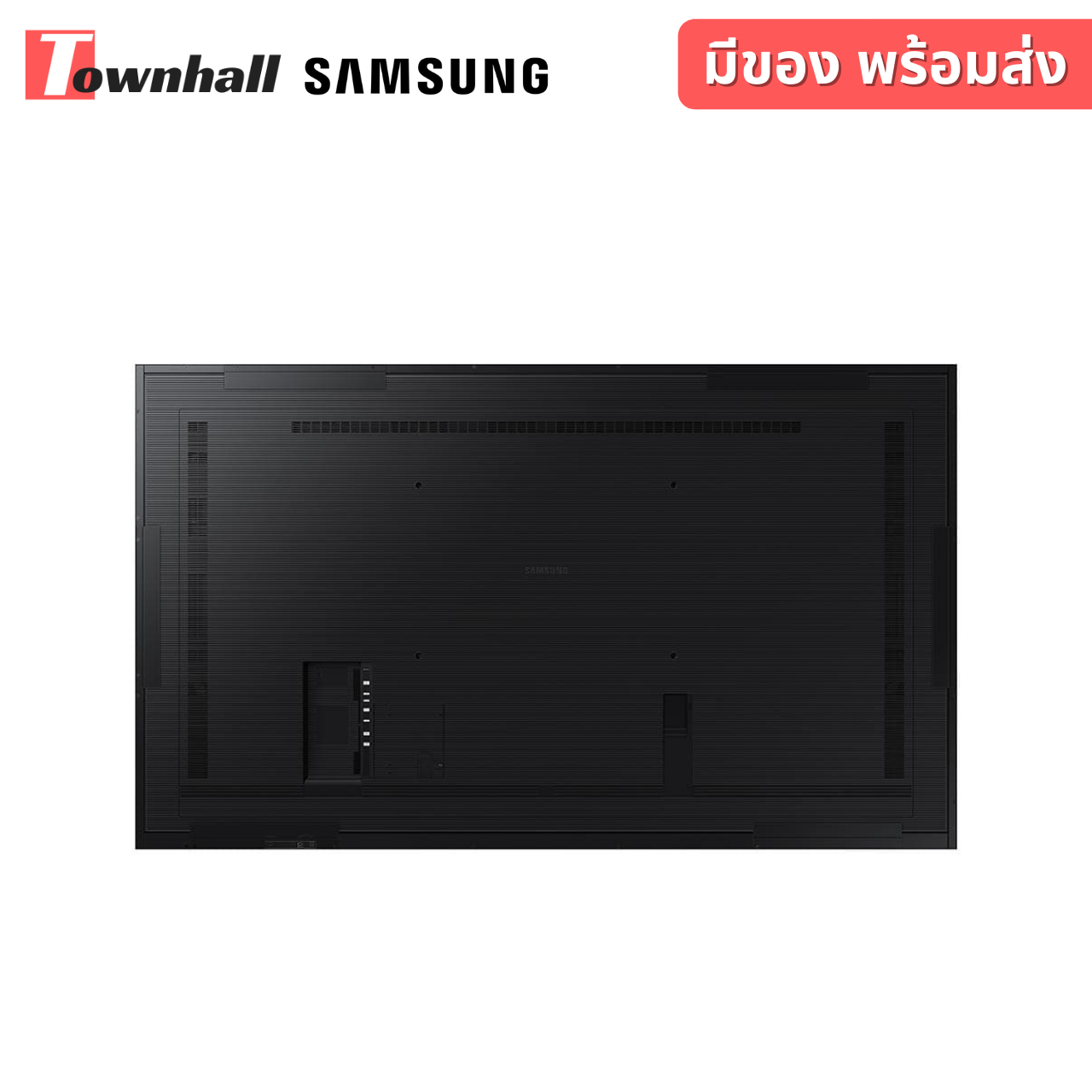
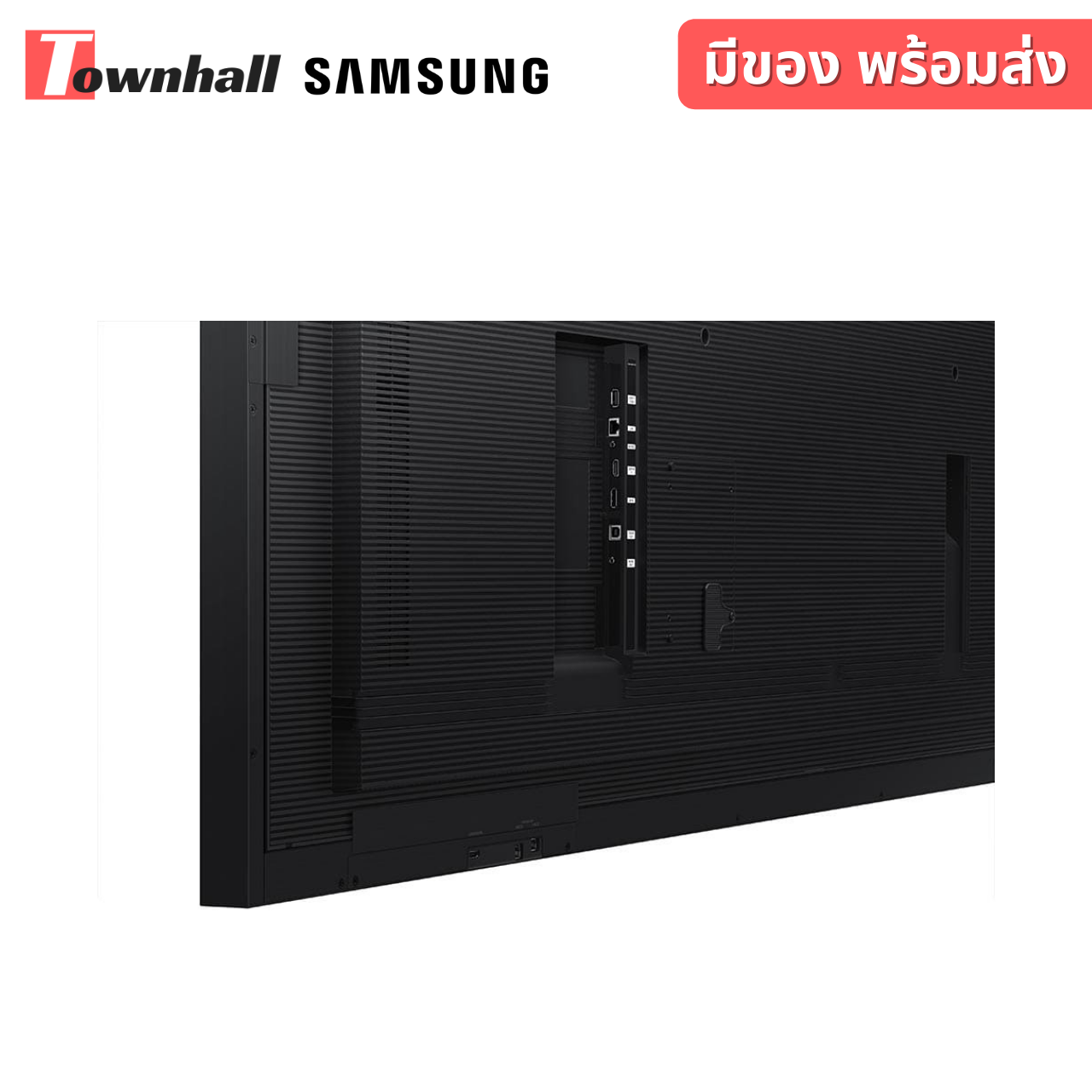
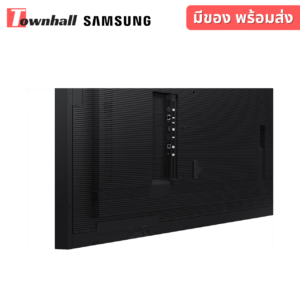
– ช่องต่อสัญญาณเข้า 2(Rear/Front), 2.0/3.0 External(Front) ,HDMI 2(Rear 1, Front 1), DP 1, OPS I/F
– ช่องต่อสัญญาณออก HDMI Out x 1 port ,Audio x 1 ,Touch OutTouch Out 2 (USB Upstream Type, Front 1, Rear 1)
– ช่องสัญญาณควบคุม Touch Input, RJ45, RS232C(for SVC)
– ระบบควบคุมภายใน Processor CA72 Quad(1.7GHz) 2MB L2 ,Clock Speed 1.7GHz CPU Quad ,Storage (FDM)8GBTOperating System : Tizen 5.0 : Samsung Proprietary OS(VDLinux)
– ลำโพง Built in แบบ สเตอริโอ มีกำลังขับไม่น้อยกว่า 10W x 2
– ระบบสัมผัสเทคโนโลยีแบบ IR InGlass
– มีปากกาหรือ stylus สำหรับเขียนหน้าจอมาให้จาก brand ผู้ผลิต 2 ด้าม
– รองรับการขีดเขียนบนจอด้วยขนาดของวัตถุ (2mm, 4mm, 8mm,50 mm)
– จอภาพรองรับการเขียนได้พร้อมกัน อย่างน้อย 4 drawing
– จอภาพมีหน่วยประมวลผลในตัวแบบ Quad Core และรองรับการเพิ่ม OPS slot
– มีโปรแกรมสำหรับขีดเขียนโดยไม่ต้องเชื่อมต่อกับอุปกรณ์ภายนอก
– รองรับการเขียนได้อย่างน้อย 20 หน้าในหนึ่งไฟล์และสามารถใส่รหัสเพื่อ lock ไฟล์ได้
– มี Template สำหรับใช้งานเช่น ตารางนัดหมาย หรือ สิ่งที่ต้องทำ เป็นต้น
– สามารถลบข้อความที่เขียนได้ด้วยมือเปล่าและเขียนข้อความทับลงบนไฟล์ที่ถูกจับภาพบนหน้าจอได้ (Capture) รวมถึงการแชร์ข้อมูลไปยัง Email, Print, Network Storage ได้
– รองรับการเชื่อมต่อ คอมพิวเตอร์ Windows OS 8 ขึ้นไปเป็นอย่างน้อย และสามารถควบคุมคอมพิวเตอร์ผ่านจอภาพได้โดยการใช้งานแบบ touchscreen ทั้งแบบต่อสายและไร้สาย
– มีระบบ Remote PC เชื่อมต่อคอมพิวเตอร์ผ่านเครือข่ายภายในดึงภาพ, เสียงและระบบสัมผัสมายังหน้าจอได้ผ่าน IP
– สามารถใช้งานได้กับระบบไฟฟ้ากระแสสลับ 100 – 240V, 50/60Hz
บทวิจารณ์ (0)
มาเป็นคนแรกที่วิจารณ์ “SAMSUNG FLIP2 WM85R จออัจฉริยะเพิ่มความสร้างสรรค์ในการเรียนรู้”
สินค้าที่เกี่ยวข้อง


98,000 บาท (รวม Vat 7% แล้ว)
23,800 บาท (รวม Vat 7% แล้ว)


49,000 บาท (รวม Vat 7% แล้ว)


115,000 บาท (รวม Vat 7% แล้ว)


189,900 บาท (รวม Vat 7% แล้ว)

รีวิว
ยังไม่มีบทวิจารณ์